Download YouTube Playlist Player plugin
YouTube Playlist Player is a free WordPress plugin that lets you embed YouTube playlists, individual videos, and entire channel feeds anywhere on your site using simple shortcodes. Drop in a shortcode, paste your video IDs, and the plugin renders a clean, responsive player – no theme edits and no JavaScript wrangling required.
I built it for the most common real-world need: showing a curated set of videos as a proper playlist, rather than a single embed or a wall of iframes. It works with a static list of video IDs, with the YouTube Data API v3, and with a channel feed that opens each video in a lightbox.
Features
- Three display modes: static playlist, YouTube Data API v3 playlist, and channel feed with a lightbox player.
- Responsive, mobile-friendly player that keeps a correct aspect ratio and avoids layout shift.
- Shortcode-driven setup – no template editing needed.
- Lazy-loaded, minified assets for faster page loads.
- Lightweight footprint with no jQuery dependency.
- Works in posts, pages, and most custom post types.
How It Works
Pick the player that fits your content, copy the matching shortcode below, and replace the example IDs with your own. The mainid attribute sets the video that loads first, and vdid holds the comma-separated list of videos that make up the playlist. The examples below are live, so you can see exactly how each mode behaves before adding it to your own pages.
Note #1: You can only have one YouTube playlist per post/page.
Note #2: If you are using a version lower than 4.6.8, please update your plugin now! Version 4.6.8 fixes a Cross Site Scripting (XSS) vulnerability (props yuyudhn via Patchstack), version 4.6.5 fixes a Cross Site Scripting (XSS) vulnerability (props Skalucy via Patchstack) and version 4.6.4 fixes a Cross Site Scripting (XSS) vulnerability (props Yudha P. via Patchstack).
YouTube Players/Shortcodes
Static YouTube Playlist Player
Example: [yt_playlist mainid="xcJtL7QggTI" vdid="xcJtL7QggTI, AheYbU8J5Tc, X0zGS4-UKgg, 74SZXCQb44s, 2M0XCH9q3YI, CTNgVQGLy24, B8RpvoHsgI8"]
YouTube V3 API Playlist Player
Example: [yt_playlist_v3 mainid="xcJtL7QggTI" vdid="xcJtL7QggTI, AheYbU8J5Tc, X0zGS4-UKgg, 74SZXCQb44s, 2M0XCH9q3YI, CTNgVQGLy24, B8RpvoHsgI8"]
YouTube Channel Videos with Lightbox Player
Example: [yt_feed channels="UC7WCtSNKb7MGjdzu8Btkg_g" results="9"]
Channel: Garbage Band
Channel: National Geographic
Screenshots
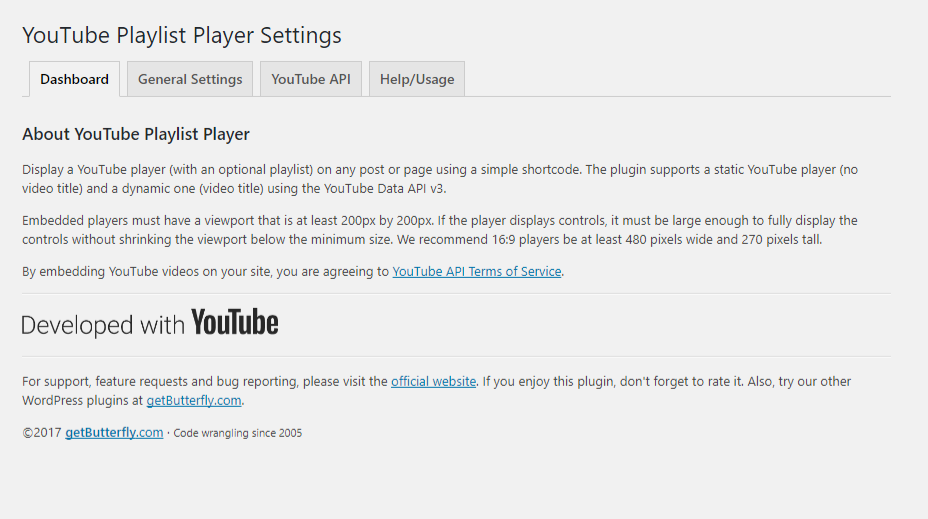
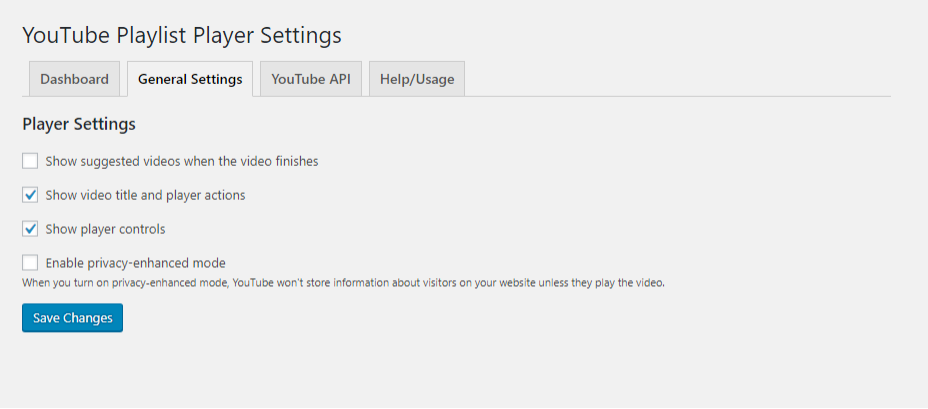
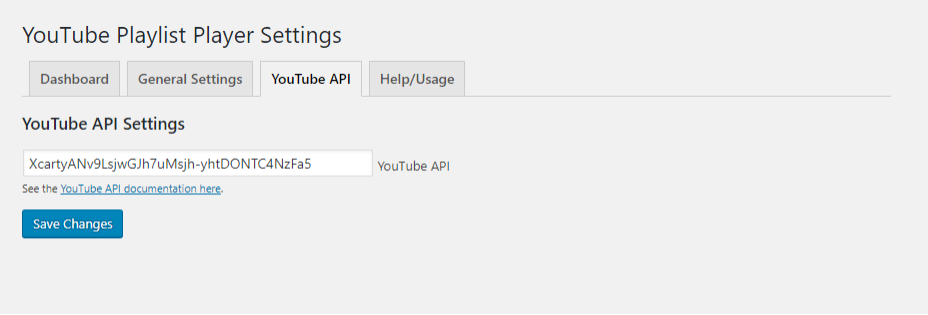
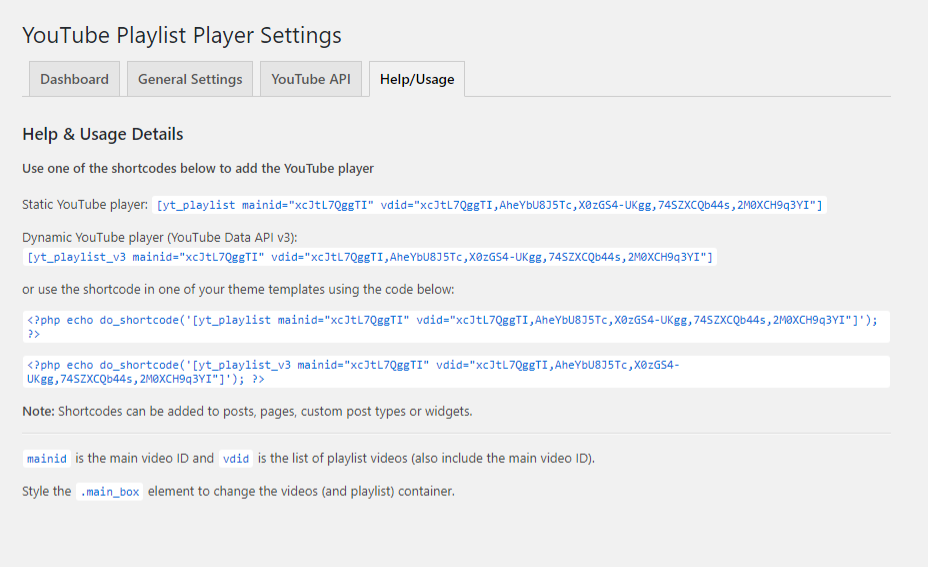
Aspect Ratio
MDN Web Docs | Web.dev: Core Web Vitals
Aspect ratio is most commonly expressed as two integers and a colon in the dimensions of: width:height, or x:y. The most common aspect ratios for photography are 4:3 and 3:2, while video, and more recent consumer cameras, tend to have a 16:9 aspect ratio.
Another great feature of aspect-ratio is that it can create placeholder space to prevent Cumulative Layout Shift and deliver better Web Vitals.
4. Fourth, I have minified all JS/CSS assets.
All these four improvements sped up the plugin load time by more than 40%.