Somebody filled in your contact form on Thursday. The email landed in an inbox that already had two hundred others in it. By the time anyone noticed, they had booked whoever replied first.
That enquiry was not lost because nobody cared. It was lost because it arrived in the wrong place, at the wrong time, and there was nothing to remind anyone about it.
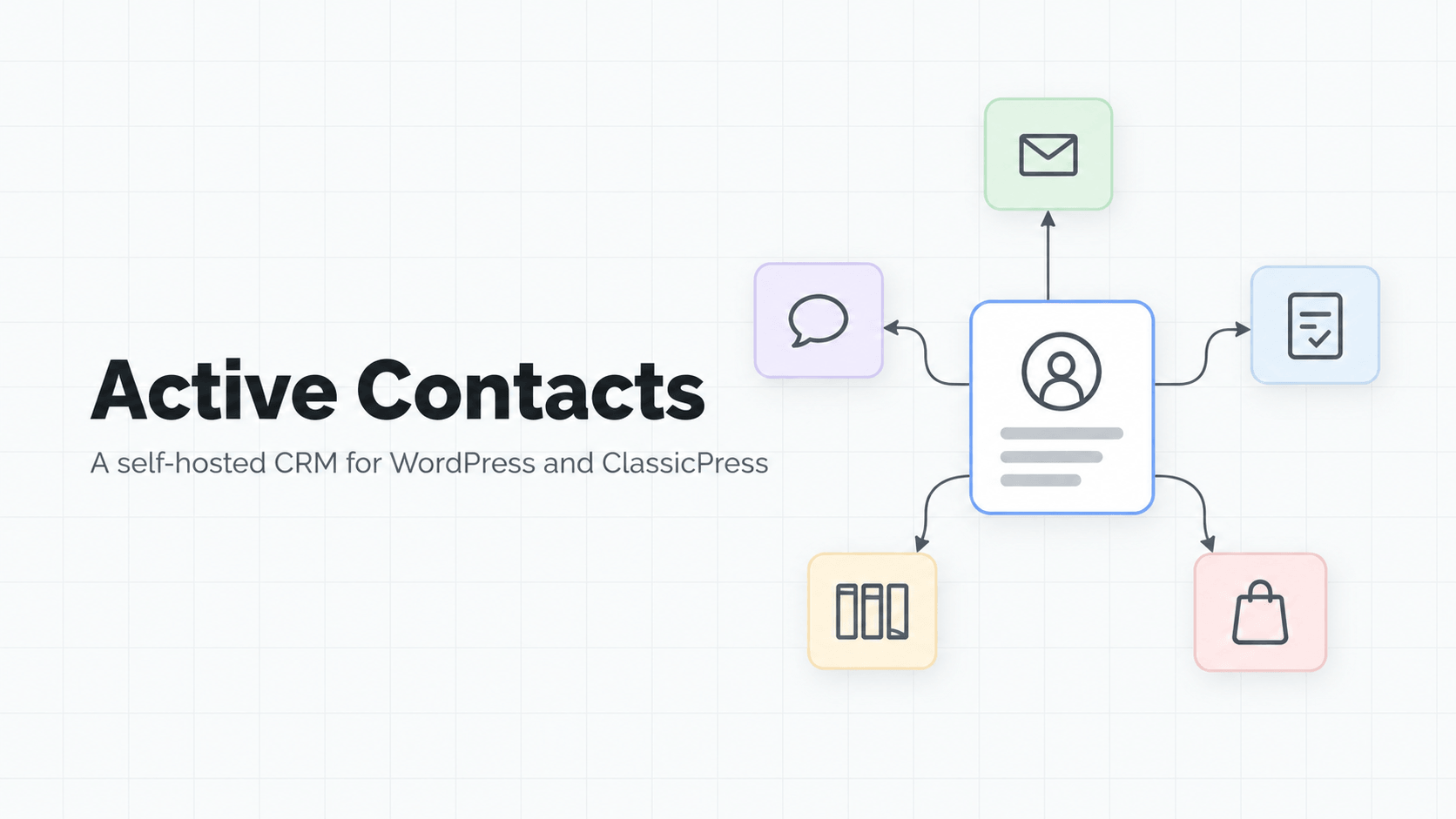
Today I am launching Active Contacts, a plugin that fixes exactly that. It puts every enquiry from your website in one place, shows you who has been answered and who has not, and sends the follow-up you keep meaning to send. You install it, switch it on, and that is most of the job done.
Why I built it
Talking to small businesses, the same three problems came up again and again.
Enquiries arrive in four different places. The website form emails you. WhatsApp pings your phone. Someone rings the office. Someone else asks on the chat widget. None of these know about each other, so nobody can say how many enquiries came in last month.
Nobody follows up. Not out of laziness. The first reply goes out, the customer says they will think about it, and that is the last anyone thinks about it. The second email, a week later, is the one that wins the work, and it is the one that almost never gets sent.
The customer list lives somewhere you do not control. Either it is a spreadsheet on one laptop, or it is a monthly service that puts your list behind a login and raises the price as the list grows. Stop paying, and you find out how much of it you can actually take with you.
Active Contacts is my answer to all three.
“Somebody told me I need a CRM”
If you have heard that and nodded along, here is the plain version. CRM stands for customer relationship management, which is a grand name for a list of everyone who has been in touch and what happened next. That really is all it is. The expensive ones do the same thing with more charts.
For a sales team of fifteen, with phone systems and territories, a big monthly CRM makes sense. For nearly everybody else, the monthly subscription mostly buys you a login page.
What it does, in a bit more detail
Every contact, with their whole story
Every form submission becomes a person. If they come back and fill in another form, it goes on the same record instead of creating a duplicate, because Active Contacts matches people by email address and then by phone number.
Open someone’s record and you see everything in order: the forms they filled in, the emails you sent, the pages they looked at and the notes you added. You can read the last conversation before you pick up the phone.
You can add notes in your own words (“rang back Tuesday, wants the quote split in two”), create your own fields (an Eircode, a job number, the size of the room) and tag people with labels that make sense to you, like Past customer or Priced, waiting.
Mark someone as unsubscribed and they will never get another email from any form, follow-up or newsletter. And if you already have duplicates, Active Contacts spots records that look like the same person and merges them on your say-so, notes and history included.
Already have a list? Upload a spreadsheet, match up the columns, and choose whether to leave existing people alone, fill in the blanks or overwrite them. You can export back out to a spreadsheet at any time, so nothing is ever trapped.
Forms without another plugin
A working contact form is ready the moment you switch the plugin on. Change the wording, paste one short code into a page, and you are done.
You can choose what happens after someone presses send, either a thank-you message or a page you have written, with no page reload. You get a notification, they get a thank-you with their name in it, and the enquiry can be tagged automatically based on which form they used.
Spam is handled quietly with three checks a real person never notices: a hidden field only a bot would fill in, a form submitted impossibly fast, and too many submissions from the same visitor.
If you already use Gravity Forms and are happy with it, keep it. Its entries become contacts too.
Shop customers and sign-ups, too
If you run a WooCommerce shop, every customer becomes a contact as soon as their order is paid. Their first order can start a follow-up of its own, for example a friendly email two weeks later asking for a review. It only goes once per customer, so repeat buyers are not asked again. Order details stay in your shop, where they belong.
People who register an account on your website are added as contacts as well (administrators excepted), and a new registration can start a follow-up in the same way.
The follow-up email, sent for you
This is the part that earns its keep. You write the email once, say when it should go, and Active Contacts sends it. A week later, at two in the morning, while you are asleep and your competitor has forgotten.
A follow-up can start when someone fills in a form, joins your newsletter, taps the WhatsApp button, leaves their details in the chat, places their first paid order, registers an account, moves to a new stage on your job board, or comes back to your website after going quiet. From there it can send emails, wait (twenty minutes or a week), add labels, add a job to the board or remind you to ring them.
Most importantly, it stops when they reply. One button on their record cancels the rest of the sequence, so nobody gets a chasing email after they have already said yes. Every send is logged on their history, along with anything that failed and why.
A board for the jobs you are chasing
Enquiries are not all worth the same. A simple board (New enquiry, Spoken to, Quoted, Won, Lost) shows you which is which. Rename the columns to suit how you work, put a value on each job, and see what is really in front of you this month. Assign jobs to people with tasks and due dates, and anything overdue is flagged. You can also see how much of what you quoted you actually won, over the last week, month, quarter or year.
A chat that answers the usual questions
Most website questions are the same five: what does it cost, do you cover my area, how soon can you come, do you do X, and how do I book. Active Contacts answers them with buttons you write yourself, with up to eight per message. Start from a ready-made example and change the words.
When someone leaves their name and email, they become a contact, the conversation is saved on their record and you are notified. One click sets up a three-email follow-up for everyone who chats.
If you want a real AI assistant, paste in a key from one of the main providers, describe what your business does and does not do, and test it before your customers see it. It says so when it does not know. One of the supported providers offers free models, so this can cost you nothing. You can also combine the two: buttons for the usual questions, with one handing over to the assistant.
WhatsApp, newsletters and visitor history
A WhatsApp button lets people who would never fill in a form message you instead, with the message half written. Send them to the right department, and if you already know who they are, the message goes on their record.
The newsletter tool lets you email the list you already own, from your own website. Sign-ups confirm by email so addresses are real, and unsubscribing is one click, with Gmail and Outlook showing their own unsubscribe button, which helps keep you out of spam folders.
Visitor history shows which pages someone read before they got in touch. It only records pages on your own site, never what people type. Anonymous visitors are deleted after three months and page history after a year, and you can change or switch that off. It uses a single first-party cookie, and there is a setting to wait for cookie consent.
Built for small teams
Everyone on your website gets their own contacts, forms, follow-ups and board. Colleagues cannot see each other’s enquiries, so nobody rings the same customer twice. An administrator sees everything. If you are on your own today and there are three of you next year, you do not have to switch software.
One plugin instead of four subscriptions
The usual setup is a form plugin, a newsletter service, a chat widget and a CRM, all billed separately and none of them aware of the others. Active Contacts does all four jobs from one menu, with no adverts in your dashboard, no upgrade nagging, and nothing about your customers sent anywhere else.
It is honest about its limits too. It does not copy WooCommerce order details, does not do invoices, does not send text messages and is not built for a sales floor. It is built for one to five people who need to stop losing enquiries.
Two things to check with your host
Follow-up emails and newsletters rely on your website running its scheduled tasks on time. Most hosting does this already, and Active Contacts will tell you on its settings screen if yours has drifted, along with the exact message to send your hosting company.
And if your website does not already send email reliably, add one of the free email-sending plugins. No CRM can fix a website whose emails land in junk.
Pricing, and why it renews
Active Contacts is €79 a year, with every feature included, unlimited contacts and users, and a year of updates and support answered by the person who wrote it. There are no add-ons, now or later. It works on WordPress and ClassicPress.
Why yearly? Active Contacts sends email, talks to WhatsApp and connects to a dozen AI providers, and all of those change their rules without asking. The licence is what keeps it working against them. If your licence runs out, the plugin keeps working exactly as it did. You simply stop getting new features and support until you renew.
Get Active Contacts · Read the documentation