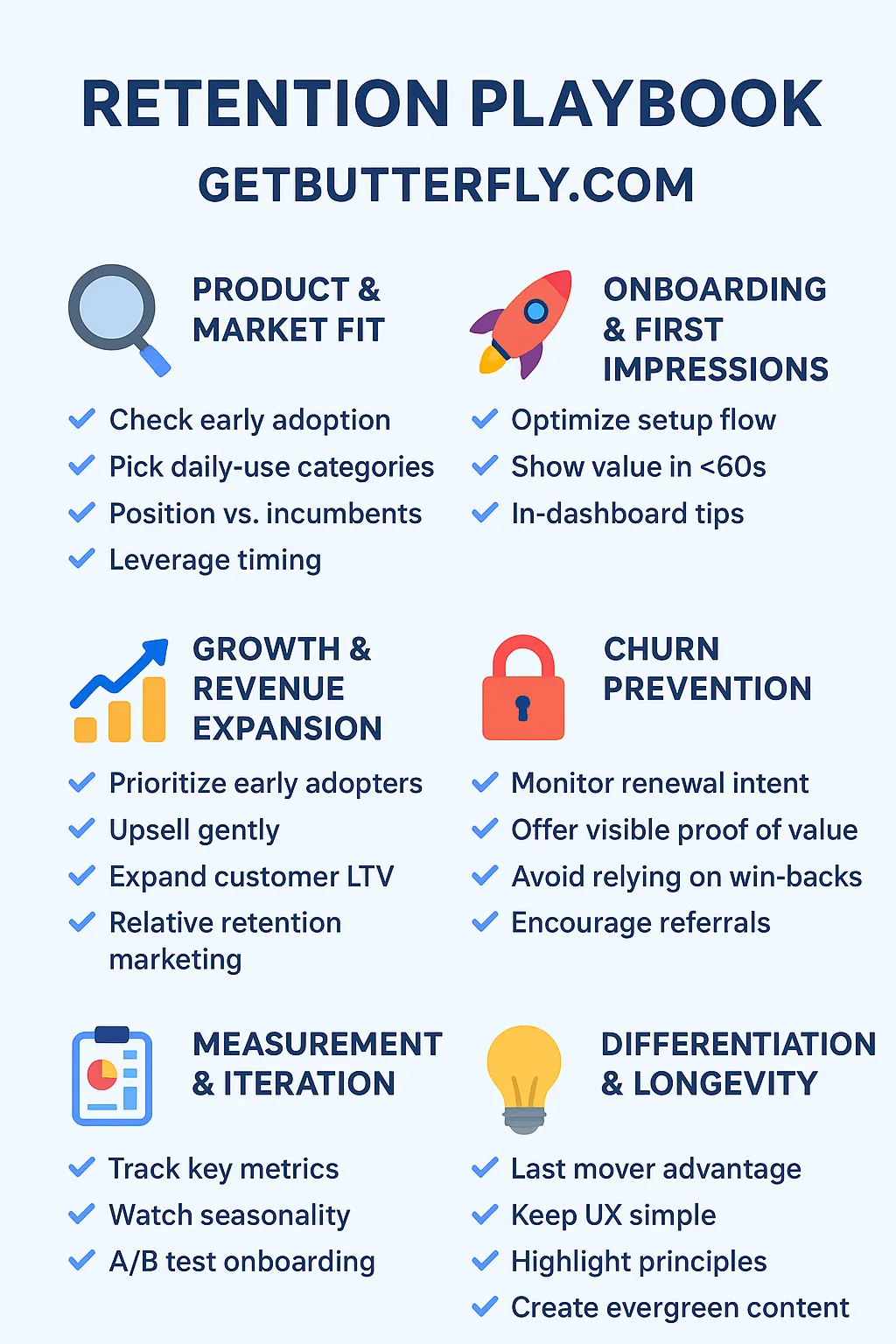
1. Product & Market Fit
- ✅ Check early adoption: After launch, monitor D1/D7 usage (do users activate and keep using the plugin after install?). If retention is low, pivot messaging or core flow quickly.
- ✅ Pick daily-use categories: Focus on plugins users engage with frequently (analytics, security, performance, WooCommerce tools).
- ✅ Position vs. incumbents: Clearly show why your plugin is faster, lighter, or privacy-first compared to bloated alternatives.
- ✅ Leverage timing: Align launches with external triggers (WordPress core updates, new PHP/WooCommerce versions, or regulation changes like GDPR).
D1 / D7 usage comes from the SaaS/product world:
- D1 = Day 1 retention → How many users are still using the product the day after they installed it.
- D7 = Day 7 retention → How many are still using it a week later.
For our WordPress plugins, this translates to:
- D1 = Did the user activate and configure the plugin right after installation?
- D7 = Is the plugin still active and in use a week later (not deactivated or deleted)?
We track this by monitoring active installs and events (like plugin options saved, reports generated, or dashboard views). Basically, it’s a measure of initial stickiness.
2. Onboarding & First Impressions
- ✅ Optimize setup flow: Make activation frictionless – auto-detect defaults, give 1-click setup, avoid overwhelming users with options.
- ✅ Show value in <60s: On first install, display a “wow moment” (e.g., first analytics data point, performance score, or security scan).
- ✅ In-dashboard tips: Replace long docs with short contextual tooltips and checklists that guide the user.
3. Growth & Revenue Expansion
- ✅ Prioritize early adopters: Engage with organic buyers (via your blog, newsletter, and plugin directory). They are your golden cohort.
- ✅ Upsell gently: Build small, focused premium add-ons instead of bloated pro versions. Make it easy for free users to upgrade.
- ✅ Expand customer LTV: Encourage bundle purchases (e.g., Active Analytics + Performance plugins for site owners).
- ✅ Relative retention marketing: Market “daily-use” plugins as essentials, and “set-and-forget” plugins as reliable background tools.
4. Churn Prevention
- ✅ Monitor renewal intent: Send helpful reminders before subscription expiry – focus on value, not nagging.
- ✅ Offer visible proof of value: Show stats, reports, or dashboards that remind users why they need the plugin running.
- ✅ Avoid relying on win-backs: Instead of reactivating churned users, focus on keeping current users happy with updates, speed improvements, and security.
- ✅ Encourage referrals: Add easy ways for agencies to share/recommend plugins to clients (e.g., “Install for client” workflows, white-label options).
5. Measurement & Iteration
- ✅ Track key metrics:
- Active sites (not just installs)
- Daily/weekly usage (where applicable)
- Renewal rates
- Cohort analysis (organic vs. discount buyers)
- ✅ Watch seasonality: Expect fluctuations (e.g., WooCommerce tools dip after holiday season). Don’t mistake seasonal churn for product failure.
- ✅ A/B test onboarding, not features: A clearer flow often improves retention more than extra features.
6. Differentiation & Longevity
- ✅ Last mover advantage: Enter proven categories (analytics, SEO, e-commerce tools) but win with performance, UX, and privacy.
- ✅ Keep UX simple: Focus on lightweight, fast, intuitive design – your core differentiator.
- ✅ Highlight principles: Privacy, no bloat, speed, and longevity – values WordPress users crave but don’t always get.
- ✅ Create evergreen content: Publish guides and case studies (e.g., how Active Analytics boosts GDPR compliance while giving actionable insights).
Previous article
Why retention is so hard for new WordPress plugins
Next article